
Everyday conversations. Sensitive information. A secure place for both.

Bring secure chat-style messaging and attachments together in one place, with end-to-end encryption to protect your exchanges with authorized recipients.

Included in Exostar’s CMMC Ready Suite™.

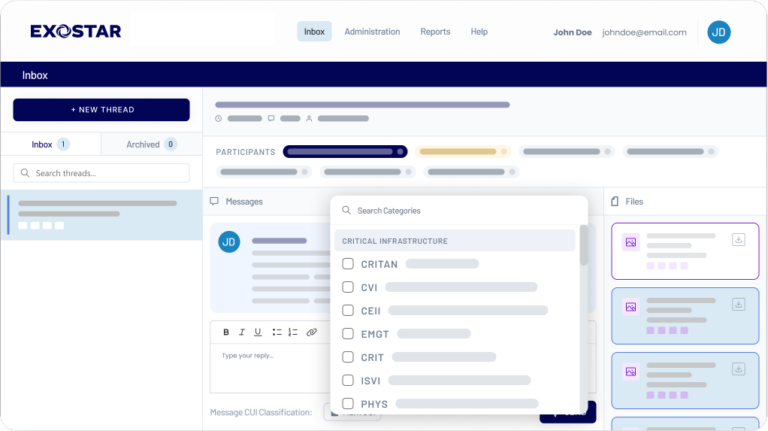
Secure-Exchange_inbox_search-category_transparent-1

Your work depends on quick questions and shared files. When your commercial email isn’t configured to protect sensitive information such as CUI, you need a secure way to keep those exchanges moving.

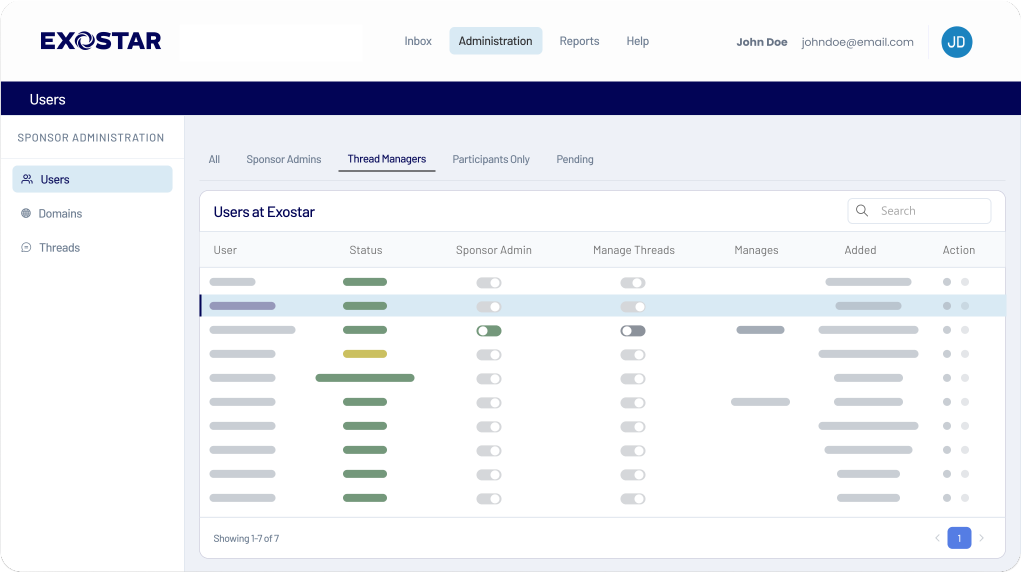
Secure-Exchange_administration-threadmanager_transparent 2

Sensitive work still needs an everyday conversation

You need to ask about a drawing or explain a requested change. Those exchanges may involve information your commercial email isn’t configured to protect. You still need a clear answer to keep the work moving.

Give your team and recipients a secure place to ask questions and share the files needed to respond.
Keep the question with the file—and the answer with the conversation

Discuss sensitive work and keep shared files connected to the messages that give them context. Your recipients can respond in the same thread, so the explanation stays with the exchange.

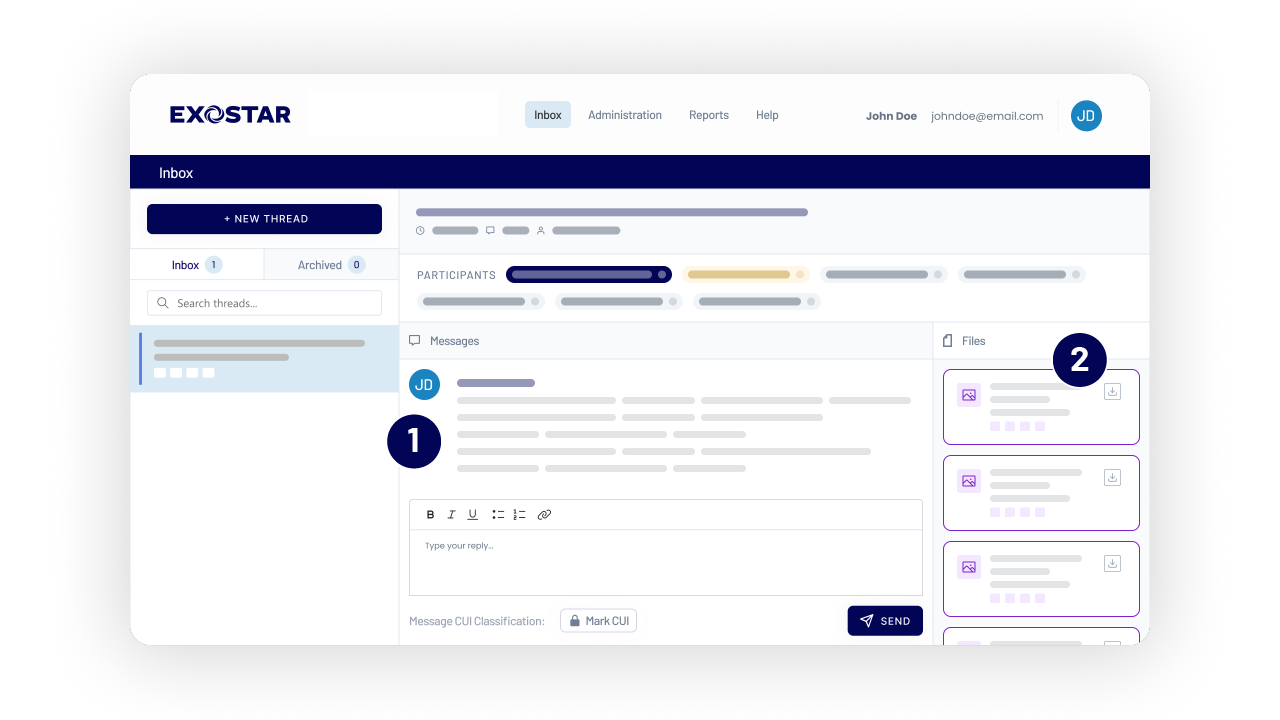
A view of the secure exchange dashboard
  1. Discuss the work — Ask a question and attach the supporting file.
  2. Recover the context — Select a file in the Files panel to highlight the message that shared it.

Selecting a file highlights its message. To view the file itself, download it into an appropriate environment and open it in an application.

Make it clear what you’re sharing

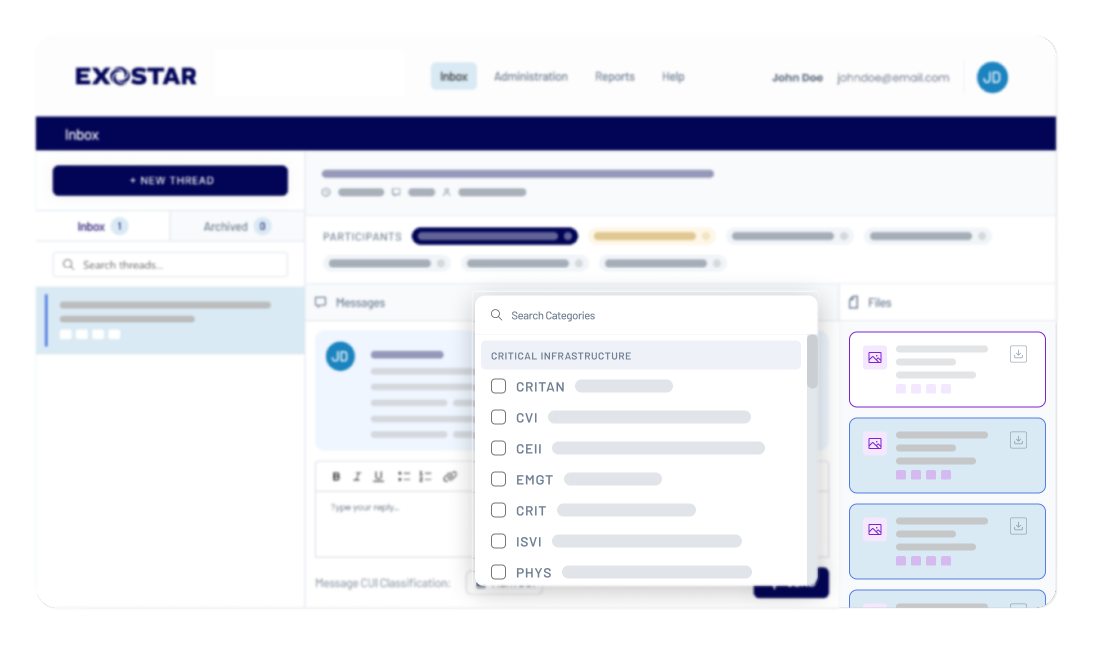
Label attachments when you send them to help recipients recognize the type of information you’re sharing, including Controlled Unclassified Information (CUI). Keep that context with the file so recipients can understand what needs protection.

Secure-Exchange_inbox_search-category_transparent 4

Get the answers you need to keep work moving


Keep sensitive work moving

Ask questions and exchange responses securely with a person or group, inside or outside your organization.


Give every exchange context

Help recipients understand why a file was shared and what you need them to do next.


Choose who joins the conversation

Bring authorized people into sensitive discussions and manage participation as needs change.


Keep work moving through change

Let another eligible participant take over conversation management with the history needed to continue.

Connect with recipients through an established identity

Included in the CMMC Ready Suite™, secure chat-style messaging and file sharing help you communicate with authorized recipients across the Exostar community. Invite new recipients once their required accounts and application access are activated, while keeping control over who participates in your conversations.

Participants must belong to a registered organization in the Exostar community, have an active account, and be granted access to the secure messaging application. New invitees remain pending until account activation. Participant seat allowances apply.

  1. MAG™ sign-in
  2. Inbox
  3. Authorized conversation

Two applications. Choose the one that fits the work.

The CMMC Ready Suite™ includes separate applications for secure conversations and shared document work. Use either—or both—depending on what you need to do.

Secure Messaging & File Sharing

Discuss and exchange

Ask questions, clarify requirements, and exchange attachments with authorized recipients inside or outside your organization. Keep files connected to the messages that explain what changed or what needs a response.

Use it when: You need to discuss a drawing, send a file for feedback, or get an answer.

Shared Document Workspace

Work on documents together

Create, edit, and maintain shared documents with authorized team members. Work together on the same document online in your managed Microsoft 365 environment.

Use it when: You need to coauthor a document, make revisions together, or maintain shared project files.

Download safely

For protected downloads, open the secure messaging application inside Managed Secure Desktop™ (MSD). Attachments downloaded within that session are saved in your managed virtual environment rather than on your local computer, helping you keep CUI protected as you continue working with it.

What you need to know

Is the application included in the CMMC Ready Suite™?

Yes. This application is included in Exostar’s CMMC Ready Suite™ and is not sold separately. Existing suite customers receive the capability; new customers purchase the suite. Sender and recipient allowances depend on your package.

How do I sign in and start a conversation?

Launch the application from MAG™, or open the application’s direct link and complete MAG™ sign-in when prompted. There are no separate credentials. You need Manage Threads permission to create a conversation; authorized participants can reply in active threads.

Is this an email client or part of Microsoft Teams?

Neither. It is a separate application for secure chat-style messaging and attachments. Email notifications direct you into the application without including the conversation’s content or attachments.

Can I preview or edit an attachment?

To view or edit an attachment, download it into an appropriate environment and open it in an application. Selecting a file in the Files panel highlights its associated message; it does not preview the document. Use Managed on Microsoft 365™ for shared online document work.

How are conversations and attachments protected?

This application provides end-to-end encryption for messages and attachments in a GCC High environment that meets FedRAMP Moderate equivalency requirements. Participants authenticate through MAG™ and require authorized access. Those service protections do not automatically extend to downloaded copies.

How does Managed Secure Desktop™ support CUI handling?

When you open the application inside your MSD session, files you download there are saved in the managed virtual environment. Follow your approved procedures and service scope. Using a browser outside MSD requires protections established by your organization for the receiving device and destination.

Does using the suite make my organization CMMC compliant?

The suite supports CUI protection and CMMC readiness. Your organization must still implement its assigned controls and maintain the evidence and assessment activities required for its applicable obligations. Product use alone does not establish compliance.

Give sensitive conversations a secure place to happen

Tell us how your team exchanges sensitive information today. Explore how this application included in the CMMC Ready Suite™, can support your conversations alongside shared document work.