

Secure CUI Collaboration, Without Expanding Your Scope

Store, share, and collaborate on CUI in a managed Microsoft GCC High environment that keeps endpoints out of scope and supports your path to CMMC readiness.

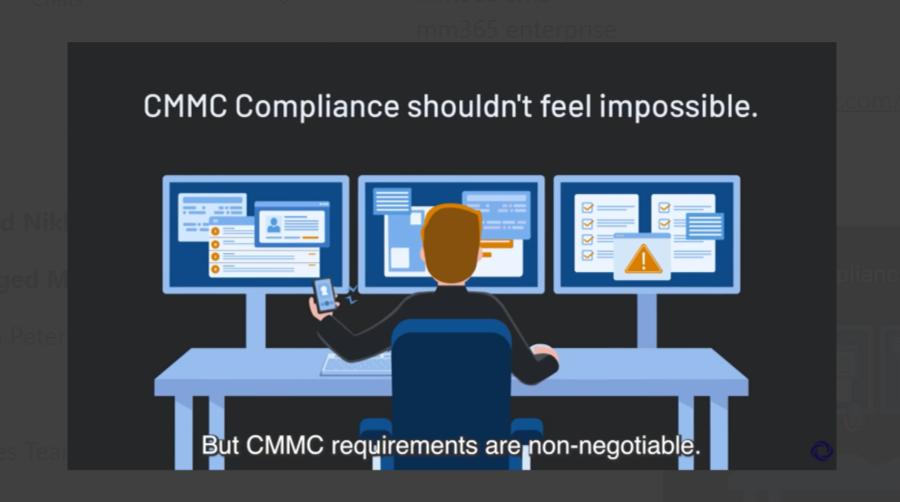
Graphic of man working with 3 monitors and a smart phone

Keep Endpoints Out of Scope

Move CUI into a secure enclave so laptops and local networks stay out of scope.

Secure Partner Collaboration

Work with internal teams and approved partners in a secure Microsoft environment.

Faster CMMC Readiness

Start with built-in governance and compliance support instead of building from scratch.

Protect Revenue, Not IT

Get compliant without rebuilding your environment or disrupting how teams work.

Three workers, two women and one man, looking at information on a pinup board.

When Collaboration Becomes a Compliance Problem

Working with Controlled Unclassified Information isn’t just about security; it’s about where the work happens.

For many organizations:

  • CUI is shared through email, file servers, or unmanaged portals
  • Internal teams and external partners collaborate across different systems
  • Laptops, home networks, and printers quietly fall into audit scope
  • Governance relies on manual processes and tribal knowledge

The result is growing compliance risk, expanding scope, and collaboration that slows down instead of speeding up.

A Better Way to Handle CUI

Exostar’s Managed Microsoft 365 gives you a secure collaboration enclave built specifically for CUI workflows.

Instead of trying to lock down every system you own, you move sensitive work into a managed Microsoft Azure GCC High environment, accessed through a secure virtual desktop. Collaboration feels familiar—but governance, security, and compliance are built in.

The outcome:

  • CUI stays in one controlled place
  • Endpoints stay out of scope
  • Collaboration stays fast and intuitive
Four employees collaborating and standing around a desk and laptop.
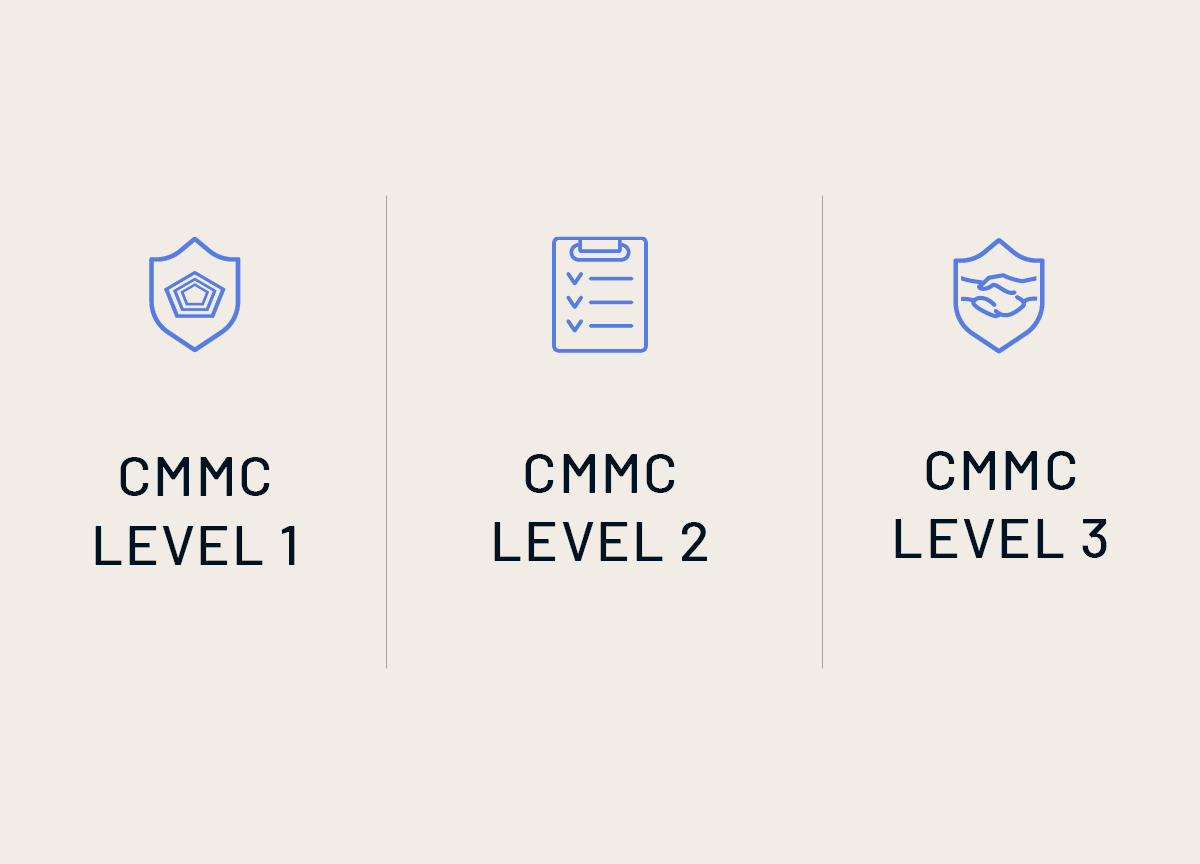
Illustrations of levels 1, 2 and 3 of CMMC compliance and certification.

Not Sure if CMMC Applies to You?

If you handle defense-related drawings, specs, schedules, or contract data—then it likely does.

Take the Quiz

Keep Local Endpoints Out of Scope

A core part of Exostar’s Managed Microsoft 365 is the Managed Secure Desktop—a locked-down virtual desktop you log into from your local computer.

Inside the secure desktop:

  • You access Microsoft 365 through a browser
  • Sensitive work never touches your local machine
  • Approved activities are tightly controlled

As long as work stays inside the environment, your broader IT footprint remains out of audit scope, dramatically simplifying compliance.

Handle Real-World CUI Intake and Exchange

CUI doesn’t always start inside your environment; it often comes from partners, portals, and email.

Exostar’s Managed Microsoft 365 gives you controlled ways to handle that reality:

  • Access external portals from within the secure desktop
  • Download CUI into the Secure Desktop, then move it into the enclave
  • Receive and send files through team-based secure file drop addresses

Files and message content are automatically brought into the correct team space, inheriting the right permissions and audit controls—without manual workarounds.

Built-In Governance That Matches How You Work

Clear Roles, Clear Boundaries

Access is role-based and intentional:

  • Sponsor Admins manage the environment and governance
  • Team Managers manage users within their teams
  • Members collaborate only in teams they’re invited to

If you’re invited into one team, you don’t see others exist—keeping projects isolated and secure.

Controlled Partner Access

Working with partners doesn’t have to mean opening the door too wide.

You control access through:

  • Domain allowlists for approved partners
  • Explicit team invitations
  • Automatic validation during onboarding

Partners without existing accounts can register securely, receive the required authentication, and access only what you’ve approved.

Data Protection That Fits Real Collaboration

Security controls are applied where they matter—at the team level.

You can:

  • Block downloads and printing by default
  • Allow exceptions for specific users
  • Track and audit external sharing

Before files are sent outside the environment, users must acknowledge that the destination is compliant. That acknowledgement is logged, creating accountability without slowing work down.

Support for Specialized Workflows

Not all work happens in a browser.

Managed Secure Desktop supports bring-your-own software use cases—such as CAD or engineering tools—so specialized work can happen inside the same controlled environment.

If it runs on a laptop or server today, it can run inside the secure desktop—keeping designs, data, and outputs protected.

A Practical Step Toward Readiness

Getting ready for CMMC doesn’t have to mean years of infrastructure changes.

By centralizing CUI, governing access, and keeping endpoints out of scope, Exostar’s CMMC Ready Suite helps you move forward with confidence—without slowing your teams down

Thanks for Getting in Touch

We’ve received your submission and a team member will contact you shortly to discuss secure collaboration and CMMC compliance. We’re here to help you move forward with confidence.